Plancast

Concept Design Platform
Plancast

The concept design platformarchitects have been waiting for

From site data to client-ready presentations — in one connected workspace.

No credit card required

The problem with early design today

Concept design is where the most important decisions are made —
yet it's supported by the worst tools.

📍
Site analysis lives in PDFs and GIS tools
📐
Drawings live in CAD
📦
Massing and 3D live elsewhere
🎨
Renders require plugins and exports
💬
Client feedback is scattered across emails

This fragmentation slows decisions, introduces errors, and breaks the connection between drawings, models, and presentations.

Architects don't need more tools.
They need one system that stays connected.

What Plancast does

Plancast is an end-to-end concept design platform that keeps site data, drawings, 3D, visuals, and client communication perfectly in sync — so every iteration moves faster.

No exportsNo reworkNo broken workflows

A single workflow — not a stack of tools

01

Start with real site intelligence

Drop an address and instantly access:

  • Sun and shadow paths
  • Wind patterns
  • Topography and contours
  • Noise and environmental context
  • Surroundings and constraints

All site data stays live and connected to your design.

02

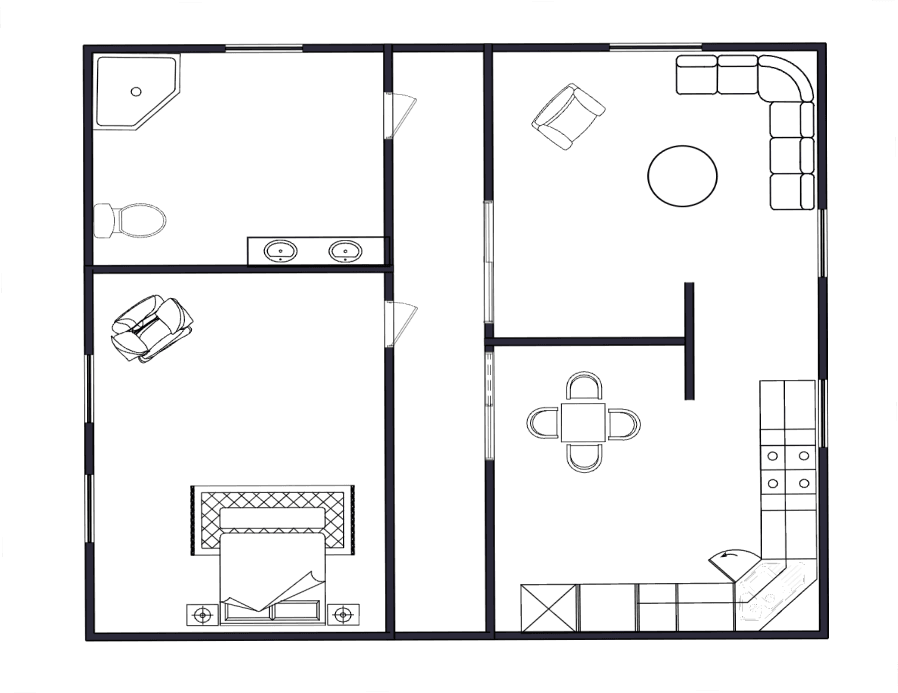
Draft precise 2D plans — fast

Create clean, accurate drawings using:

  • A lightweight but precise 2D drafting system
  • An integrated CAD block library
  • True architectural scale and units

No compromises in precision. No bloated CAD overhead.

03

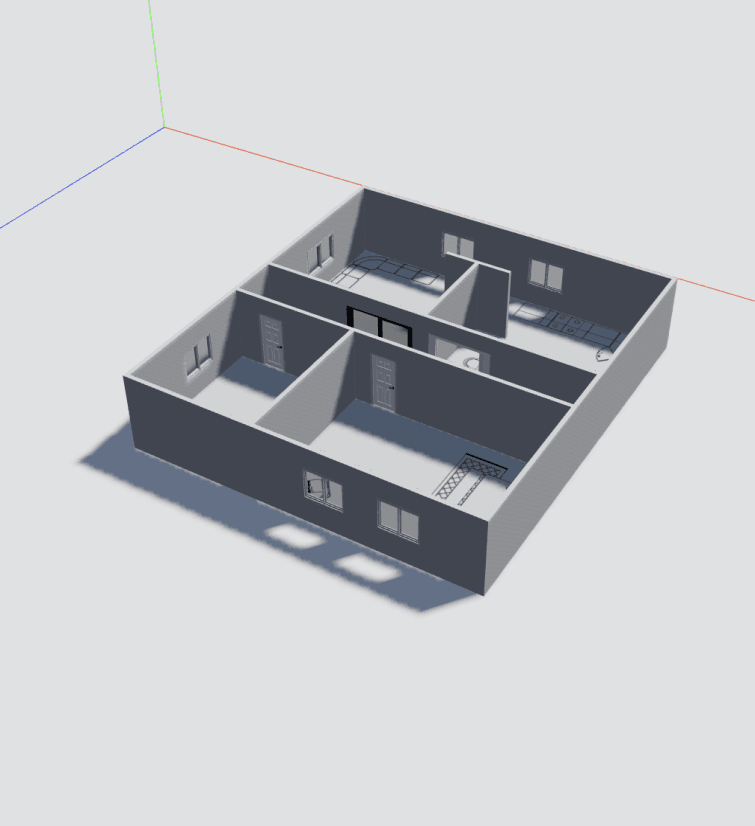
Generate 3D directly from 2D

Turn drawings into 3D instantly — or model freely in 3D.

  • Automatic 3D generation from plans
  • Full 3D workspace built for early design
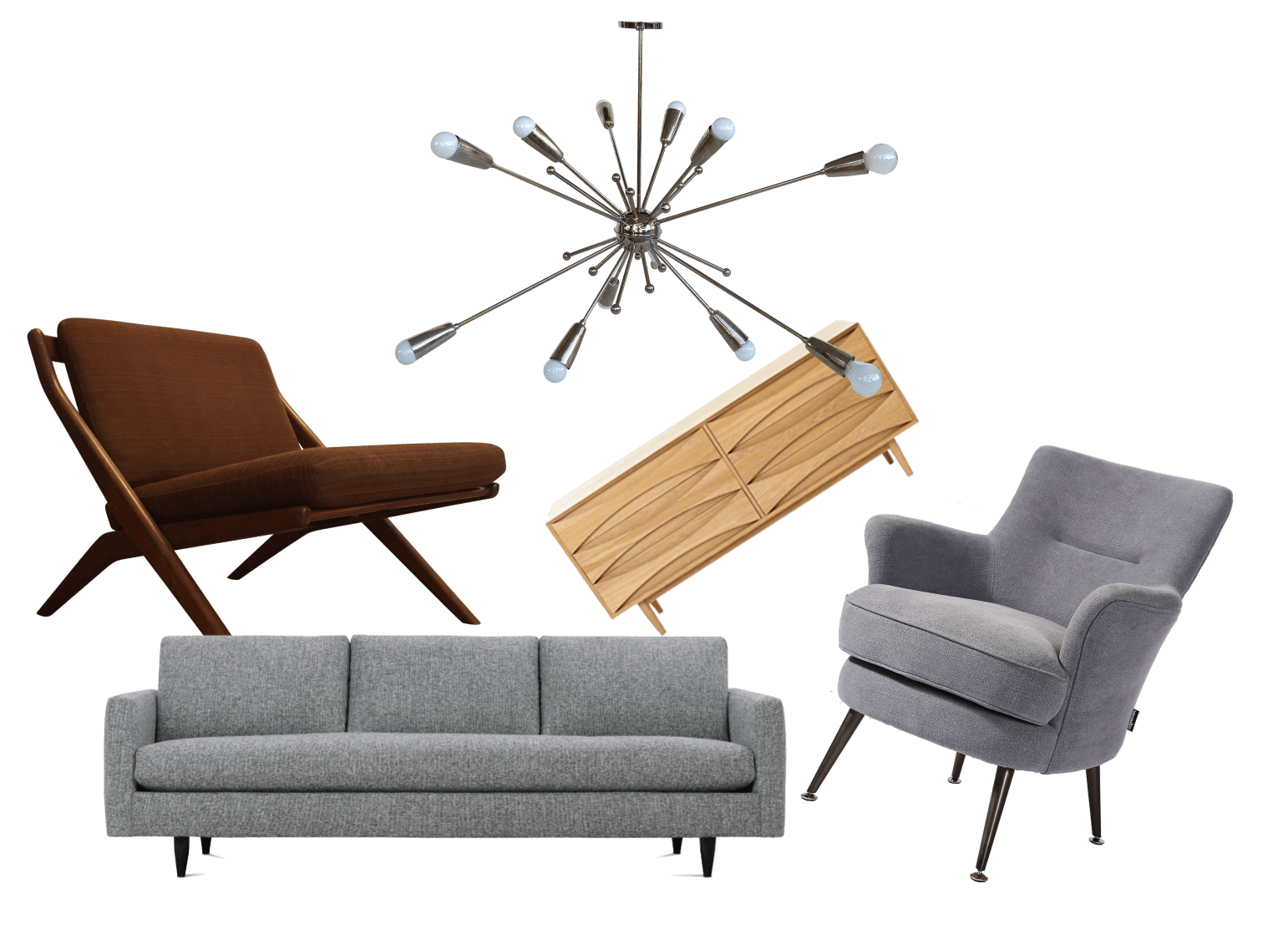
  • Drag-and-drop assets and materials

Your drawings and models always stay in sync.

04

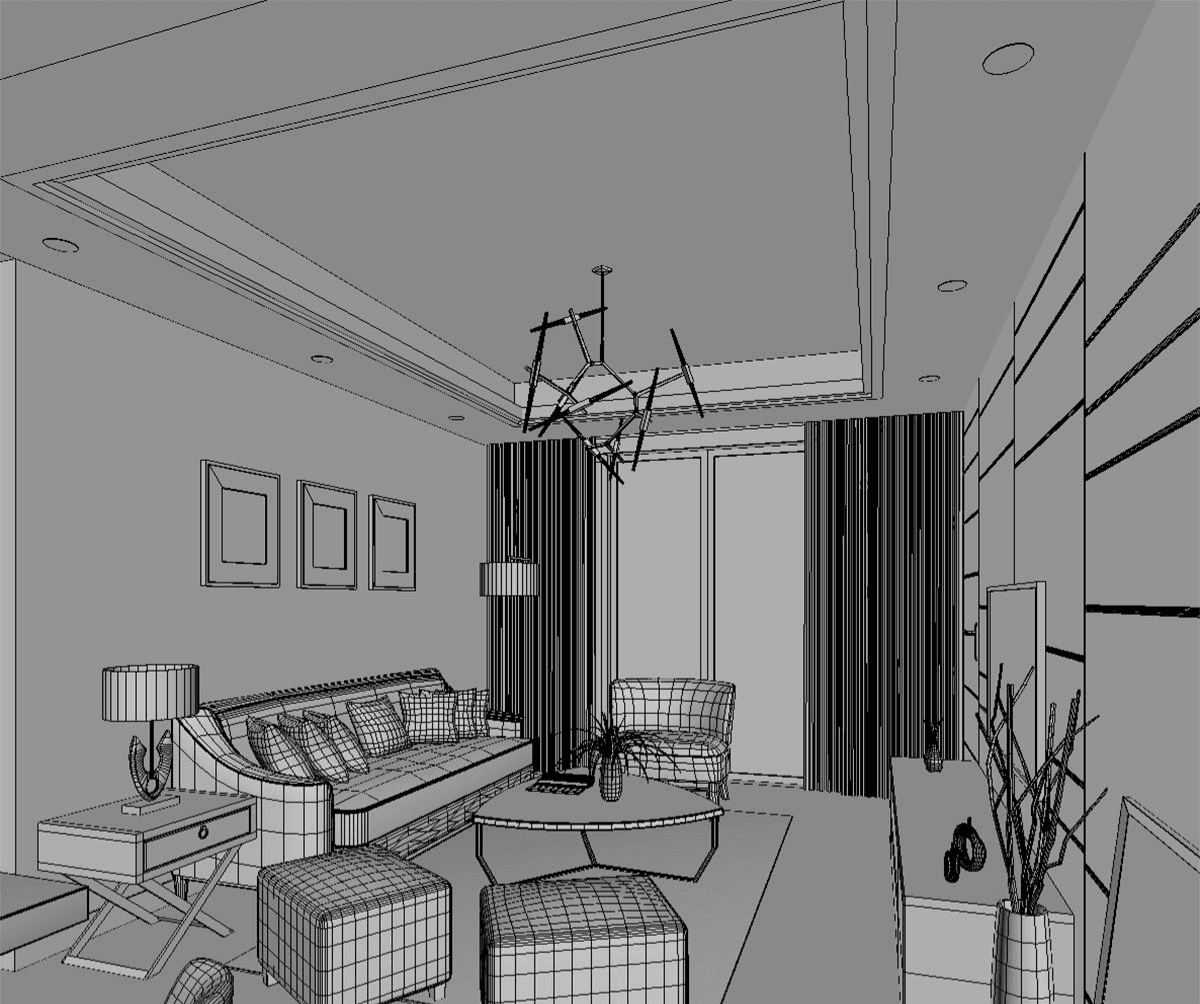
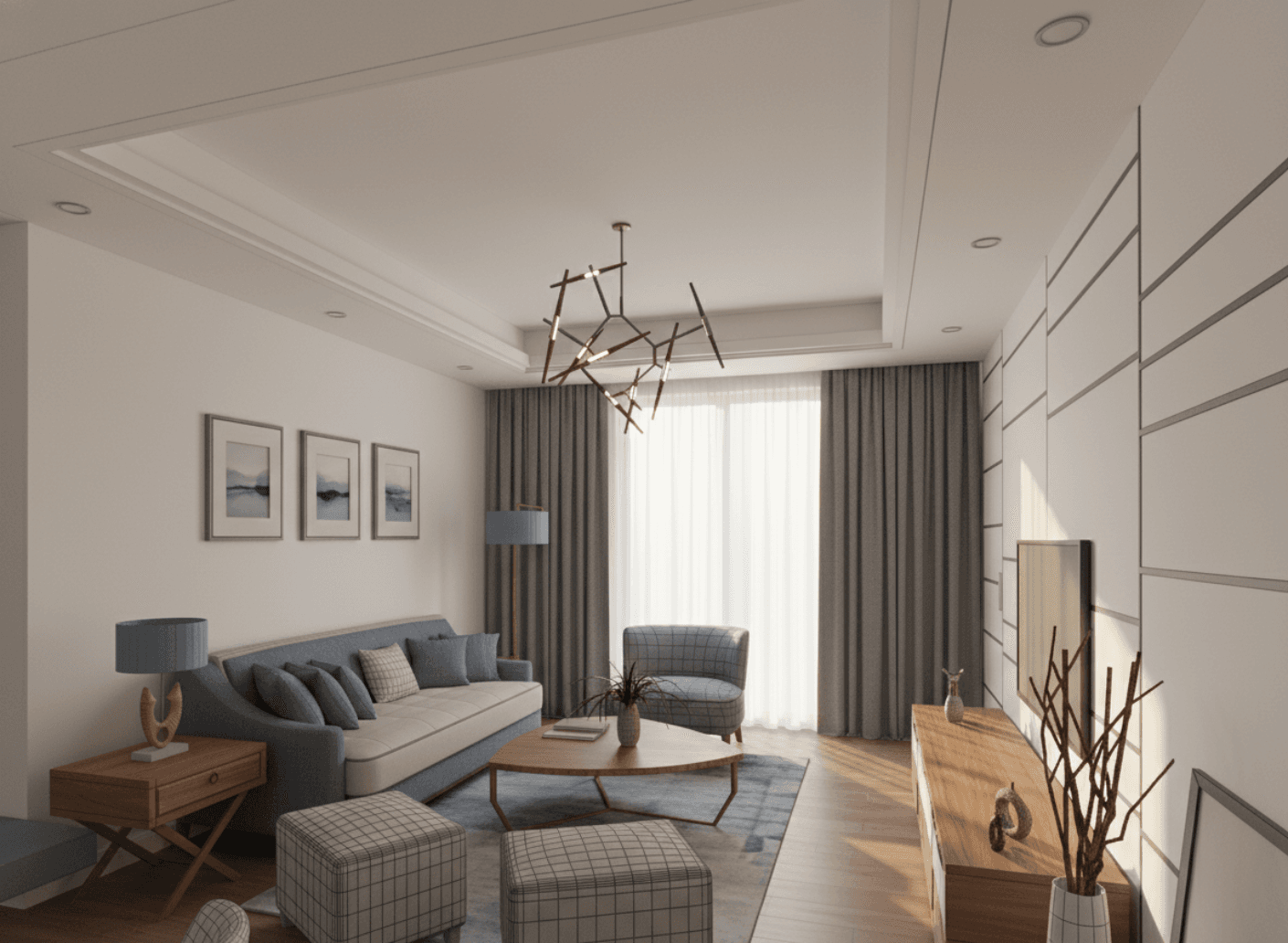
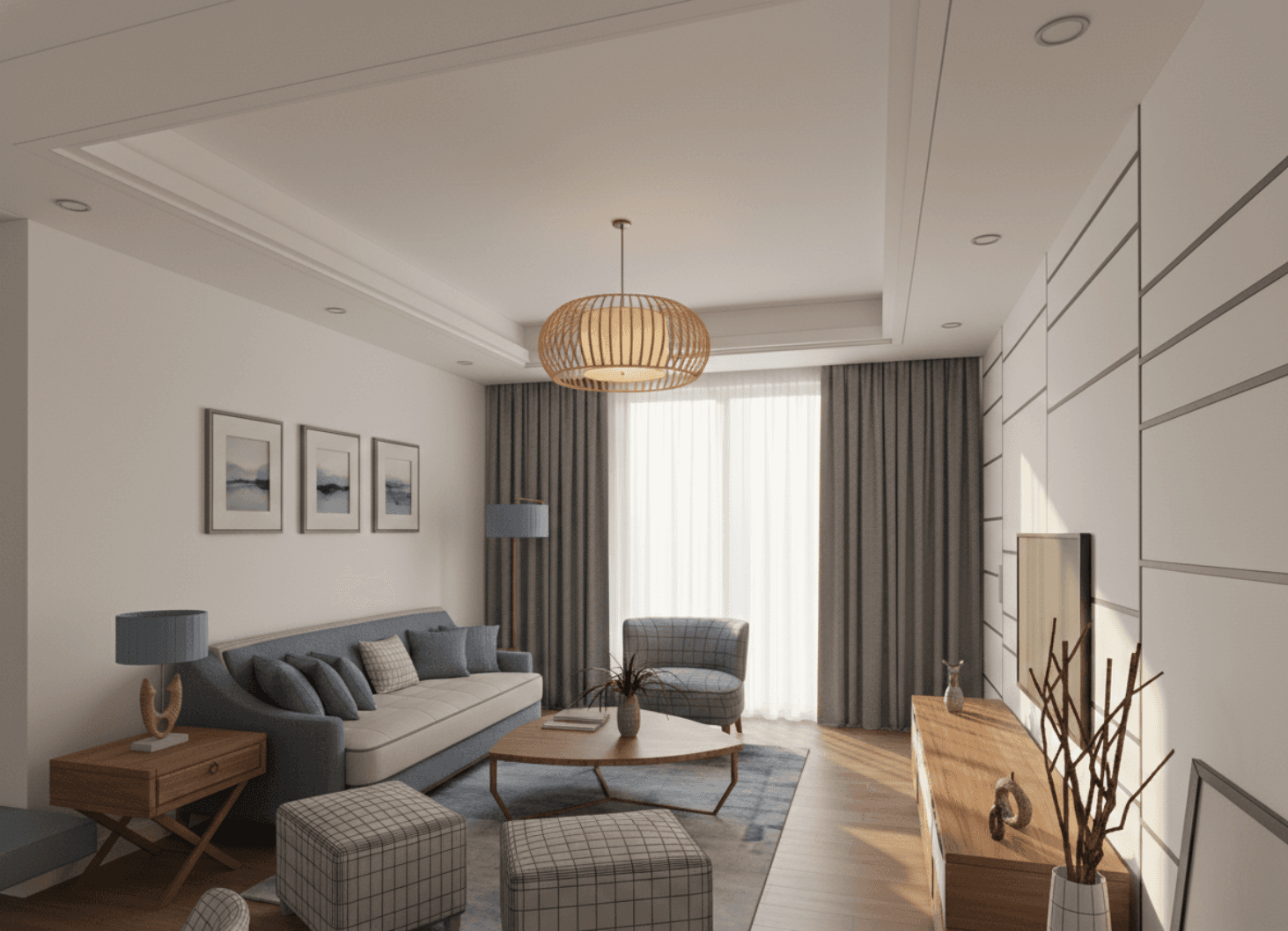
Create realistic visuals in seconds

No rendering setup. No plugins.

Simply frame your view and generate a clean, realistic render — perfect for early presentations and design discussions.

05

Build client-ready presentations inside the platform

Create:

  • Mood boards
  • Diagrams
  • Design narratives
  • Pages that explain the project clearly

Everything lives next to the model — not in a separate presentation tool.

06

Share a controlled client portal

Invite clients into a dedicated portal where they can:

  • View selected drawings, 3D views, and renders
  • Explore saved perspectives
  • Leave comments directly on designs
  • Track progress without endless emails

You control what they see.
They stay engaged — without disrupting your workflow.

Why architects choose Plancast

Everything stays connected

No broken links between drawings, models, and visuals.

⏱️

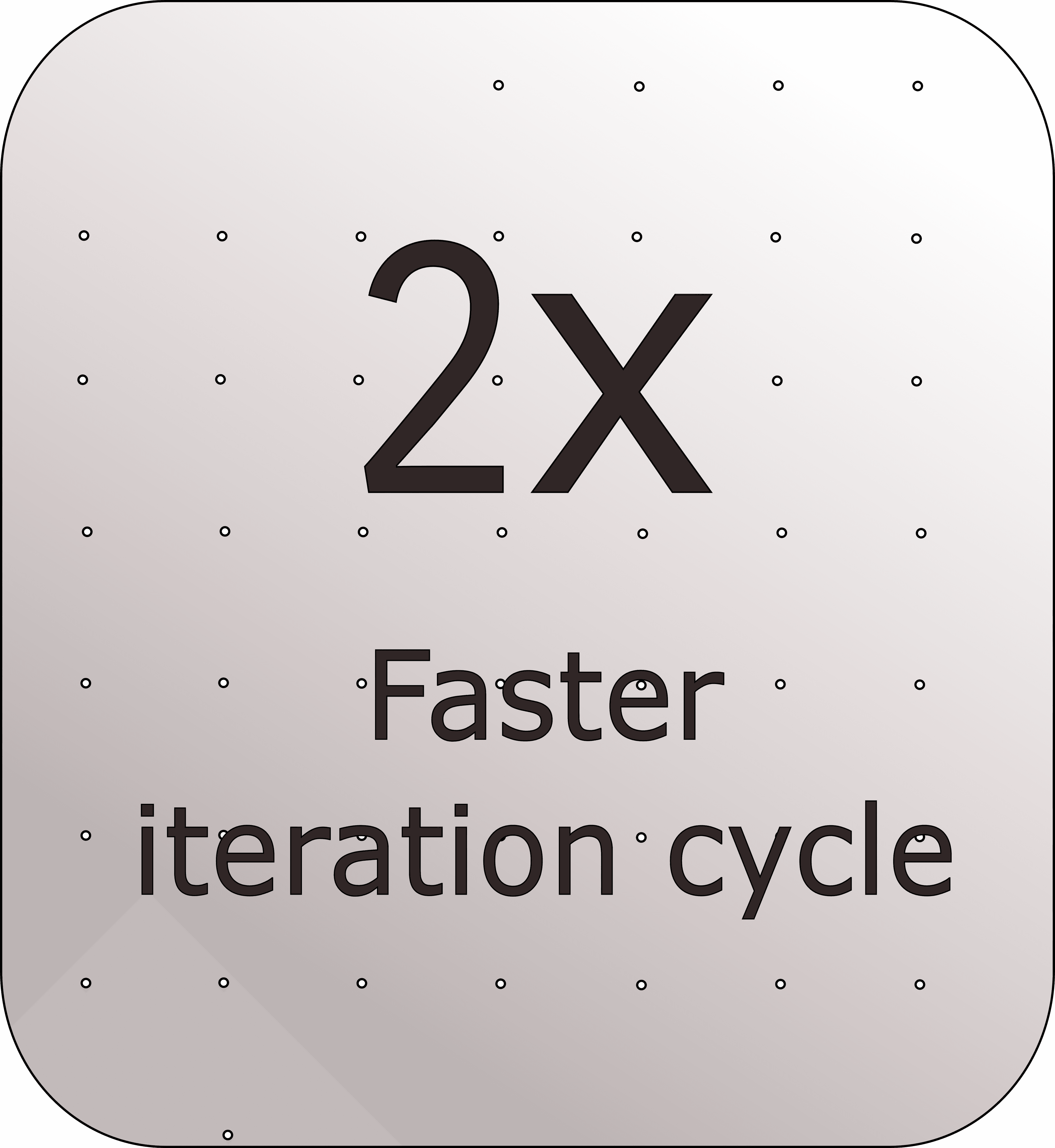
Faster concept decisions

Iterate in hours instead of days.

Fewer errors, less rework

One source of truth from site to presentation.

🏛️

Designed for architects

Every feature supports early-stage thinking — not generic 3D users.

Built for modern architectural practice

Plancast is ideal for:

Solo architects and small studios
Concept and feasibility phases
Early client presentations
Design competitions
Fast iteration environments

Try Plancast

Experience what concept design feels like when everything finally works together.

No credit card required.